
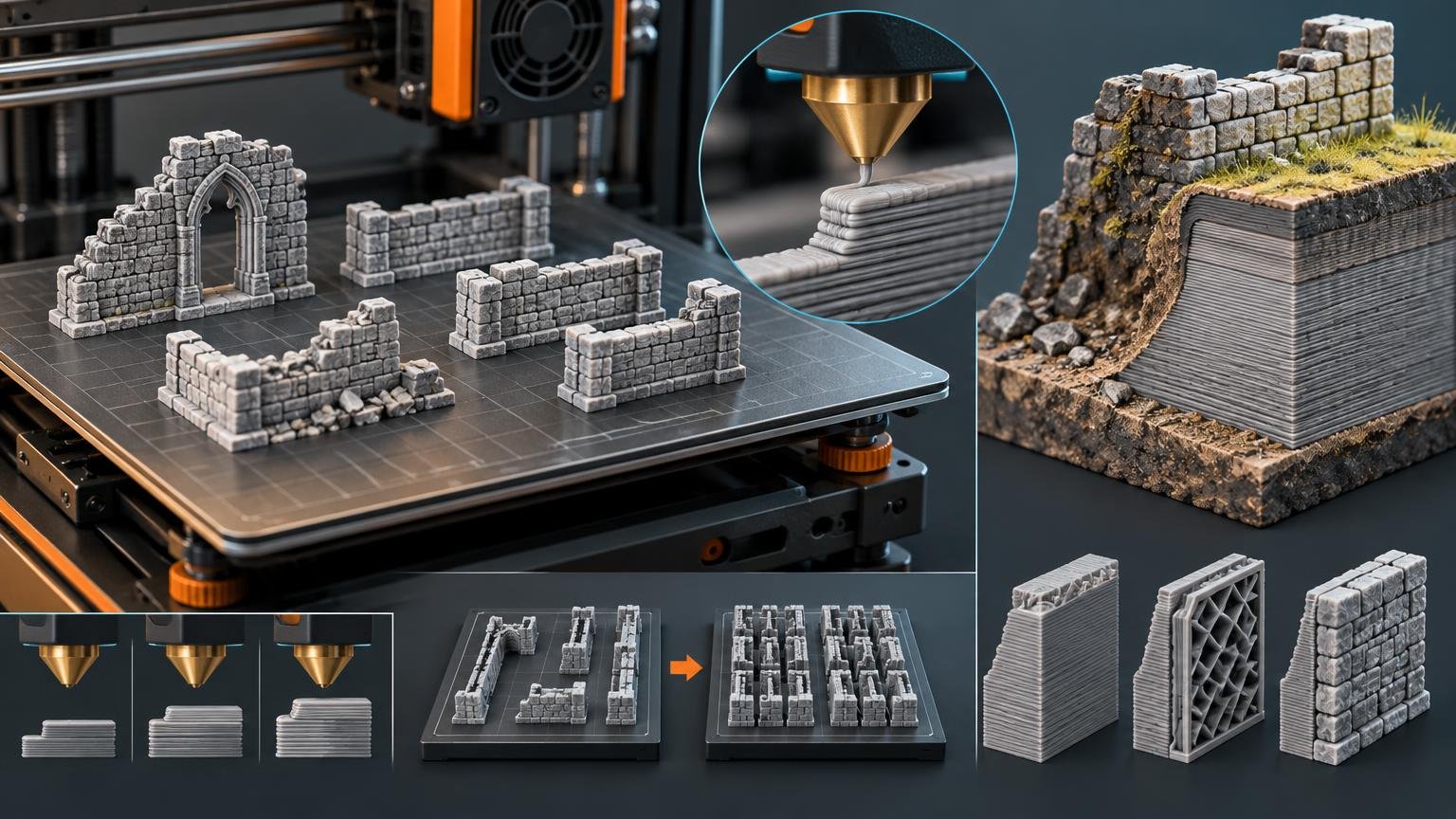
3D Printed Terrain: Faster Printing and Reliable Production
Explore nozzle, layer, geometry, support, and batching choices that turn printer time and filament into useful tabletop scenery.
3D Printed Terrain: Faster Printing and Reliable Production
Speed Print Scenery examines the choices that turn printer time and filament into usable 3D printed terrain. The focus is not speed at any cost, but productive settings and workflows that preserve the shape, strength, finish and tabletop function each piece needs. That means asking what every extra wall, layer, support and minute contributes to the finished scenery, then spending effort where it produces a visible or practical return.
Coverage includes nozzle diameter, layer height, support-light geometry, build-plate layout and durable shell design. The publication is for terrain makers, hobbyists, clubs and print-farm operators building substantial collections. Its goal is to make the relevant tradeoffs clear: where detail matters, where time can be saved, when a batch needs more margin, and when reliability is worth a longer print.
How to Use This Publication
Begin with the production constraint limiting the current project. Choose Nozzles & Layers when detail and throughput compete, Supports & Geometry when cleanup or overhangs dominate, and Batch Production when individual parts work but the collection advances too slowly. Print-Time Optimization connects settings and workflow, while Filament & Strength helps identify where material adds useful durability rather than simply adding weight and time.
Treat time and material figures as configuration-dependent rather than universal benchmarks. Meaningful comparisons keep the printer, nozzle, layer height, material, geometry and intended quality target consistent or clearly stated. Before committing an entire build plate, use a representative section or small batch to check the specific risk: fit, overhang behavior, wall strength, surface quality or repeatability. Scale up after the configuration suits the terrain’s job.
Latest Terrain Production Guides
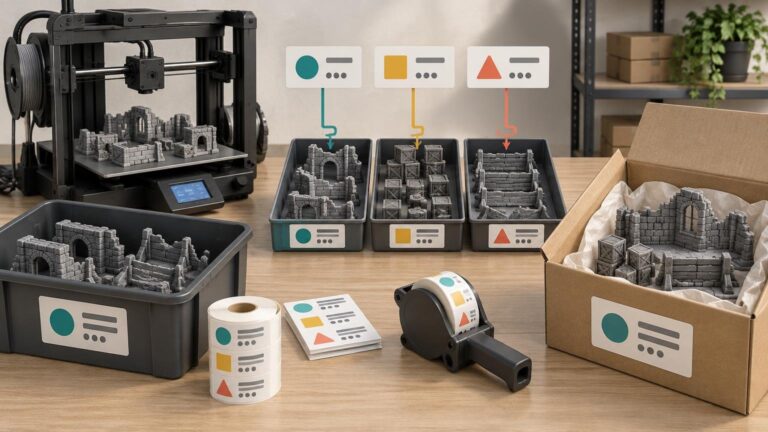
Labels for a Terrain Print Farm: Batch IDs, Orders and Packing
A practical three-part label system for tracking terrain batches, keeping orders separate and packing finished sets without losing production details.
Read more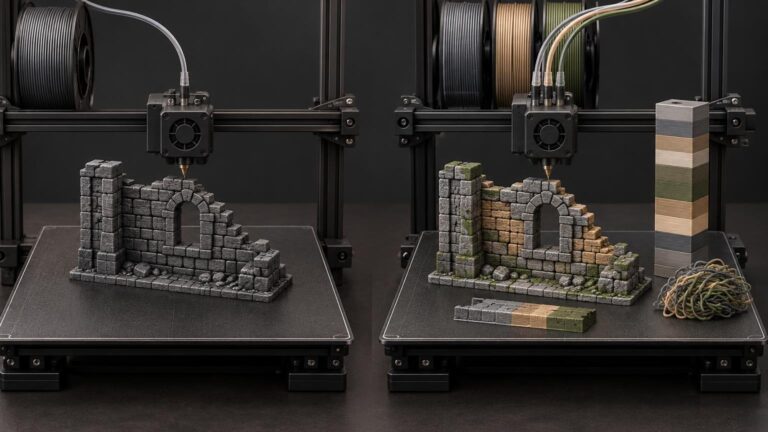
How Much Time Do Multicolor Terrain Prints Spend on Color Changes?
A controlled single-color-versus-multicolor comparison reveals how much printer time and material are consumed by filament changes, purging, and wipe structures.
Read more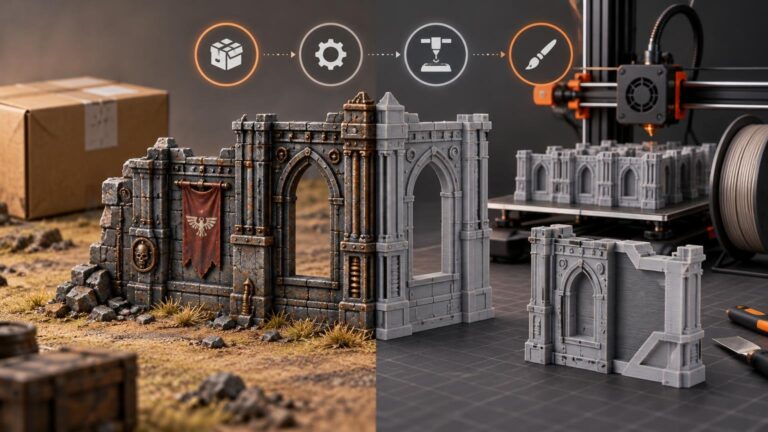
Buying Finished Terrain vs Printing Your Own: Which Actually Saves Time?
Finished terrain usually reaches the table faster for a one-off project. Printing your own becomes more competitive when the printer is already tuned and the same modular parts will be produced repeatedly.
Read moreOptimize the Whole Terrain Workflow
A fast slicer estimate is only one part of productive terrain printing. Preparation, support removal, part sorting, assembly and reprints also take time and attention. Efficient production favors geometry that orients predictably, interfaces that assemble without needless correction, and batches that remain manageable when one part needs adjustment. A slower individual piece can still be the better production choice when it reduces work elsewhere in the build.
Useful terrain is the final measure. A coarse layer height may suit broad stonework but compromise a small interface; a hollow shell may save material yet still need reinforcement at exposed edges. This publication keeps those consequences attached to optimization choices. Start with the constraint that matters most, compare realistic alternatives, and direct printer time toward features that improve durability, appearance or use at the table.
Getting started with Speed Print Scenery
What does Speed Print Scenery cover?
Speed Print Scenery covers nozzles and layers, print-time optimization, supports and geometry, batch production, and filament and strength for tabletop terrain.
Is speed the only goal?
The editorial focus is usable terrain per printer-hour. Reliability, function, material use and the intended finish belong in the comparison alongside time.
Can I use a print estimate on any machine?
Estimates depend on the printer, nozzle, material, geometry and slicer settings. A useful comparison states those conditions so you can judge its relevance to your setup.
How is this different from terrain-layout advice?
Speed Print Scenery focuses on producing terrain efficiently. Battlefield arrangement, movement and sight-line design are complementary topics covered by Swift Scenery.
How can I contact Speed Print Scenery?
Email contact@speedprintscenery.com with an editorial question, topic suggestion or correction. Include the article link and supporting details when relevant.